Can you control how Bing’s AI uses your pages? Microsoft splits training from answers
Yes, and more precisely than before. On 30 October 2026 Microsoft announced two independent settings: AI Training, set in robots.txt or per page, and AI Grounding, a new page-level setting for whether your content can help inform AI answers in Bing, Copilot and Microsoft 365. Neither changes your eligibility for Bing search results. Microsoft starts honouring them on 1 February 2027, and they replace NoArchive and NoCache.

- Both settings default to Allow, so a site that does nothing stays eligible for AI training and for AI answers.
- AI Grounding has three options: Allow, Disallow and DisallowExtended. DisallowExtended keeps Microsoft’s own AI experiences, such as Copilot, but excludes grounding services Microsoft provides to third parties, such as Web IQ and the grounding API in Foundry.
- After 1 March 2027, NoArchive and NoCache will no longer be read as AI training or grounding preferences.
- Sites using NoArchive or NoCache can record a temporary grounding preference in Bing Webmaster Tools from 15 December 2026.
What happened
In a Microsoft Bing blog post, principal product manager Krishna Madhavan wrote that publishers “should not have to choose between being discoverable in Bing and deciding how generative models use their work.” Microsoft is adopting the shared AI Training preference from the IETF AI Preferences working group, the same signal Google said it will support, and adding its own AI Grounding preference. Grounding means using your page as input when an AI answer is written, with links and citations back to you. Ranking in normal search results is not grounding.
What this means for your site or store
- Most businesses should leave grounding on: grounding is how your pages get cited in Copilot and Bing’s AI answers. Microsoft warns that Disallow or DisallowExtended will “significantly reduce” your visibility in AI experiences.
- Check for NoArchive and NoCache: look at your page templates and SEO plugin settings. If you rely on these tags to keep content out of AI, that restriction lapses after 1 March 2027 unless you switch to the new settings.
- Decide on training separately: you can block training and still allow grounding. Our guide on allowing AI search bots while blocking AI training explains the trade-off.
- Keep Bingbot crawling: these settings control use, not crawling. Bing must recrawl a page to see a change, and Allow does not override a robots.txt block.
The technical details
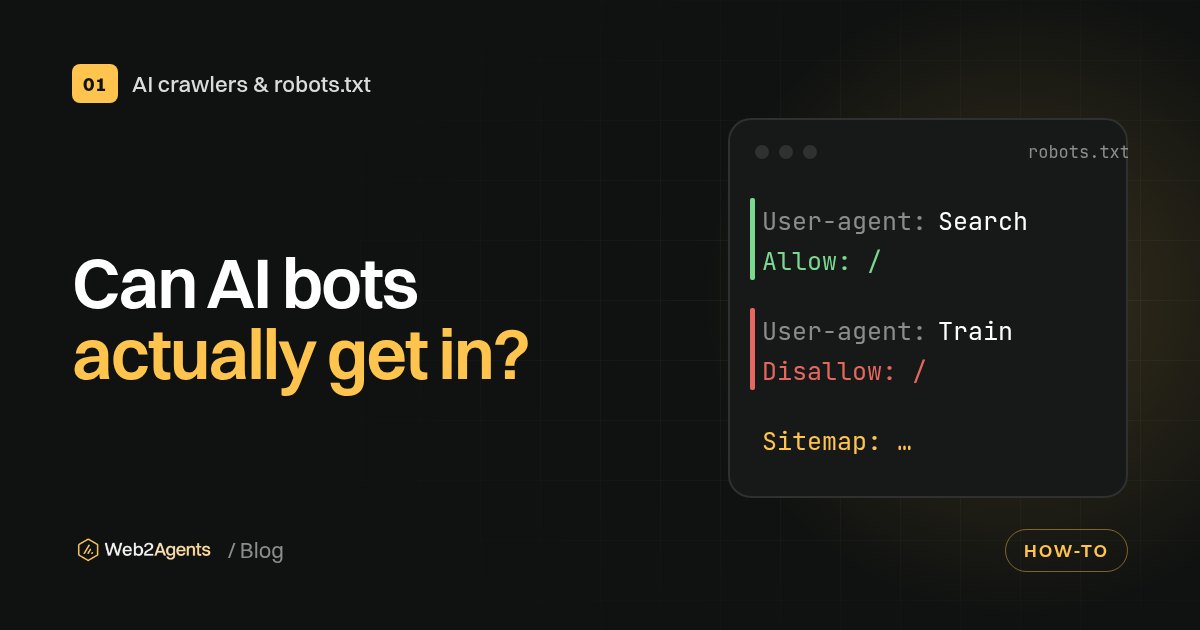
Training for a site or path goes in robots.txt: User-Agent: __usage_ai-training followed by Disallow: / or a path. For a single page, use <meta name="Bingbot" content="ai-training:disallow"> or the header X-Robots-Tag: Bingbot: ai-training:disallow. Grounding is page-level only, with ai-grounding:disallow or ai-grounding:disallowextended in the same meta tag or header. There is no site-wide robots.txt grounding setting, so a CMS template or server header is the practical way to apply it across many pages. Microsoft says IndexNow can prompt a recrawl but does not guarantee one.
Want to know what your site tells Bing, ChatGPT and other AI tools today? Run our free AI check, or get robots.txt, llms.txt and schema done for you with the AI-Ready Kit.
FAQ
Sources
- Your content, your choice: clearer preferences for training and grounding, Microsoft Bing Blogs
- Microsoft Bing gives publishers more control over how AI uses their content, Search Engine Land
- Machine-Readable Training Preference Signal, IETF