How to allow AI search bots but block AI training in robots.txt (2026)
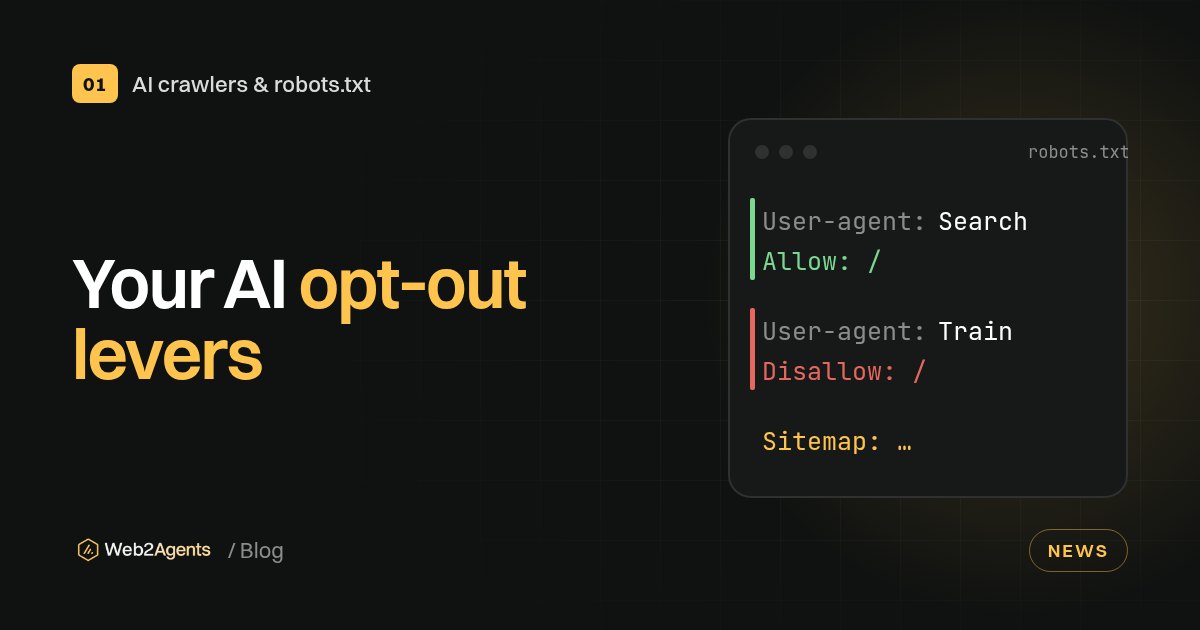
Allow the search bots (OAI-SearchBot, Claude-SearchBot, PerplexityBot) and the user-triggered fetchers (ChatGPT-User, Claude-User, Perplexity-User). Then disallow the training tokens (GPTBot, ClaudeBot, Google-Extended, Applebot-Extended). OpenAI, Anthropic, Perplexity, Google and Apple all document these controls as separate from each other, so one robots.txt can say "cite me, but don't train on me".

- AI companies now use different bots for training, for search and for fetching a page when a user asks.
- OpenAI says its settings are independent: you can allow OAI-SearchBot to appear in ChatGPT search while disallowing GPTBot to opt out of training.
- Blocking an AI search bot removes you from that assistant's search answers, which is usually the opposite of what you want.
- Google-Extended and Applebot-Extended are control tokens, not crawlers. Blocking them does not remove you from Google Search or Apple's search features.
- robots.txt is a request, not a lock. The official standard (RFC 9309) says its rules "are not a form of access authorization".
Why there are now three kinds of AI bot
A few years ago, "blocking AI" meant one line for one crawler. Today the main AI companies split their bots by job:
- Training crawlers collect public pages that may be used to train future models.
- Search crawlers index pages so an AI assistant can find and cite them in answers.
- User-triggered fetchers visit a page live because a person asked the assistant about it.
That split is good news. It means you don't have to choose between being invisible to AI and giving everything away. You can stay citable in AI answers and still say no to training.
The bots to know, by company
| Company | Training (block if you opt out) | Search (allow to be cited) | User-triggered (allow) |
|---|---|---|---|
| OpenAI | GPTBot |
OAI-SearchBot |
ChatGPT-User |
| Anthropic | ClaudeBot |
Claude-SearchBot |
Claude-User |
| Perplexity | (no training crawler listed) | PerplexityBot |
Perplexity-User |
Google-Extended (control token) |
Googlebot |
n/a | |
| Apple | Applebot-Extended (control token) |
Applebot |
n/a |
What each company says, in its own documentation:
OpenAI
According to OpenAI's crawler documentation, GPTBot crawls content that "may be used in training our generative AI foundation models", and disallowing it signals that your content should not be used for that. OAI-SearchBot surfaces websites in ChatGPT's search features, and sites that opt out of it "will not be shown in ChatGPT search answers". ChatGPT-User visits pages when a user asks ChatGPT a question. OpenAI notes that because these visits are user-initiated, robots.txt rules may not apply. It also says changes can take about 24 hours to take effect for search.
Anthropic
Anthropic's help article on its crawlers lists three bots. Restricting ClaudeBot signals that future material should be excluded from training. Disabling Claude-SearchBot or Claude-User "may reduce your site's visibility" in Claude's search and user-directed answers. Anthropic also says its bots honour robots.txt, and that blocking IP addresses is not a reliable way to opt out.
Perplexity
Perplexity's crawler docs say PerplexityBot is for surfacing and linking websites in Perplexity search and "is not used to crawl content for AI foundation models". Perplexity-User fetches pages when a user asks a question, and Perplexity says it generally ignores robots.txt because a person requested the fetch.
Google's list of common crawlers describes Google-Extended as a product token that controls whether content Google crawls can be used to train future Gemini models and for grounding in Gemini Apps and Vertex AI. Google states it "does not impact a site's inclusion in Google Search nor is it used as a ranking signal".
One thing to be clear about: AI Overviews and AI Mode are part of Google Search, so Google-Extended is not the switch for them. Since 31 August 2026, Google offers a separate Search generative AI control in Search Console for that. Most sites that want visibility should leave it on the default (included).
Apple
Apple's Applebot page explains that disallowing Applebot-Extended opts your content out of training Apple's foundation models. Applebot-Extended "does not crawl webpages", and pages that disallow it can still appear in search results.
Step by step: update your robots.txt
1. Find your current file
Open https://yourdomain.com/robots.txt in a browser. It must live at the root of your domain. Each subdomain (for example shop.yourdomain.com) needs its own file.
2. Decide your policy
For most businesses that want to be found and recommended by AI assistants, the sensible default is:
- Allow search engines, AI search bots and user-triggered fetchers.
- Block training tokens, if you don't want your content used for model training.
- Block private areas (admin, checkout, account pages) for everyone.
If you are happy for your content to be used in training, you can simply allow everything. That's a business decision, not a technical one.
3. Add the rules
Here is a template you can copy. Replace the private paths and the sitemap URL with your own.
# AI search and user-triggered fetchers: allowed, so you can be cited
User-agent: OAI-SearchBot
User-agent: ChatGPT-User
User-agent: Claude-SearchBot
User-agent: Claude-User
User-agent: PerplexityBot
User-agent: Perplexity-User
Allow: /
Disallow: /admin/
Disallow: /checkout/

# AI training: opted out
User-agent: GPTBot
User-agent: ClaudeBot
User-agent: Google-Extended
User-agent: Applebot-Extended
Disallow: /

# Everyone else, including Googlebot and Bingbot
User-agent: *
Allow: /
Disallow: /admin/
Disallow: /checkout/

Sitemap: https://www.yourdomain.com/sitemap.xml
4. Watch out for the "one group per bot" rule
This one is easy to get wrong. A crawler follows only one group: the one that matches its name most specifically. Google's robots.txt specification puts it plainly: "Other groups are ignored."
So if you add a User-agent: OAI-SearchBot group, that bot no longer reads your User-agent: * rules. Any private path you block for everyone must be repeated inside each named group. That's why the template above repeats /admin/ and /checkout/.
5. Upload and check
- Upload the file to your site root. On most website builders this is a field in the SEO settings rather than a file upload.
- Open
/robots.txtagain to confirm the new version is live. - Allow some time: Google says it generally caches robots.txt for up to 24 hours, and OpenAI gives a similar window for search.
What robots.txt can't do
Be honest with yourself about the limits:
- It isn't a lock. Well-behaved bots follow it, but it doesn't technically stop anything. RFC 9309 says the rules "are not a form of access authorization".
- User-triggered fetchers may not follow it. OpenAI and Perplexity both say robots.txt may not apply when a person asks the assistant to open a page.
- It doesn't remove pages from Google. Google's robots.txt introduction says it is not a mechanism for keeping a page out of Google. Use
noindexor password protection for that. - It doesn't affect content already collected. Opting out applies going forward.
If you need real blocking, that's a job for your server, CDN or firewall, not robots.txt.
Check your own site
Not sure what your robots.txt currently allows? Run the free Web2Agents scan to see whether search and AI bots are blocked. You can also build a new file with the free robots.txt and llms.txt generator. The AI-Ready Kit tests 19 search and AI bots one by one, against both your robots.txt and what your server actually returns.
FAQ
Will blocking GPTBot remove my site from ChatGPT?
No, not on its own. OpenAI treats GPTBot (training) and OAI-SearchBot (search) as independent settings. If OAI-SearchBot is allowed, your site can still appear in ChatGPT search answers.
Does blocking Google-Extended remove me from AI Overviews?
No. Google says Google-Extended does not affect inclusion in Google Search, and AI Overviews are a Search feature. Google's separate Search generative AI control in Search Console governs AI Overviews and AI Mode.
Should I block PerplexityBot?
Only if you don't want to appear in Perplexity's answers. Perplexity says PerplexityBot is used for search, not to train AI foundation models.
How long do changes take?
Google says it generally caches robots.txt for up to 24 hours. OpenAI says search changes can take about 24 hours. Perplexity says up to 24 hours.
Is there a list of every AI bot?
There is no single official list. The safest source is each company's own documentation, linked in the sources below, because bot names and roles change.
Sources
- Overview of OpenAI crawlers, OpenAI
- Does Anthropic crawl data from the web, and how can site owners block the crawler?, Anthropic / Claude Help Center
- Perplexity crawlers, Perplexity
- Google's common crawlers (Google-Extended), Google
- Search generative AI control, Google Search Console Help
- About Applebot, Apple
- How Google interprets the robots.txt specification, Google
- Introduction to robots.txt, Google Search Central
- RFC 9309: Robots Exclusion Protocol, IETF