Google updates its guide on keeping content out of AI Overviews and AI Mode
On 21 October 2026, Google updated its "Control what you share with Google Search" guide. It now lists the Search generative AI control in Search Console next to robots meta tags, data-nosnippet and X-Robots-Tag. Nothing new launched, but it is now Google's single reference for keeping content out of AI Overviews and AI Mode.
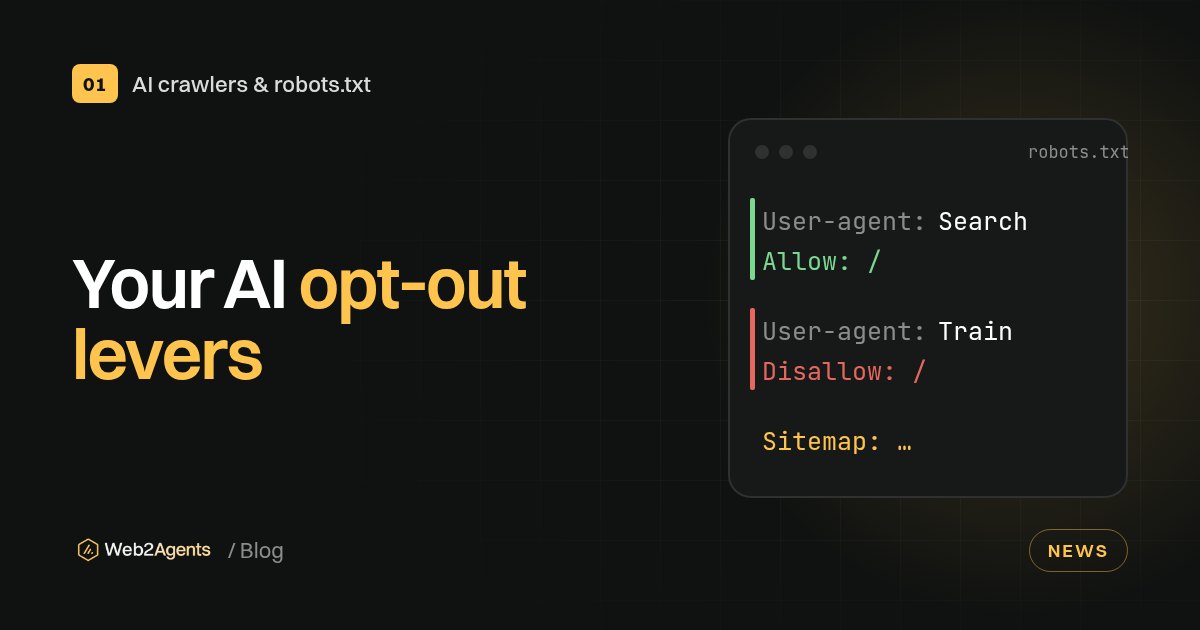
- The Search generative AI control covers AI Overviews, AI Mode and generative features in Discover. It reached all websites on 31 August 2026.
- Excluding your site removes your links and content from those features. It doesn't change AI training, which Google-Extended controls.
noindexand robots.txt blocks remove you from normal Search too, so they are the wrong tool for an AI-only opt-out.
What happened
Google's Search Central changelog for 21 October says it updated the Control what you share with Google Search page "to include existing options such as the robots meta tag, data-nosnippet, X-Robots-Tag, and the Search generative AI control". Search Engine Watch points out that it is a documentation refresh, not a feature launch.
The guide now sets out the choices in one table. The site-wide one is the Search generative AI control under Settings in Search Console. Page- and passage-level rules (robots meta tags, data-nosnippet, X-Robots-Tag) shape what Google may show from a page.
Why it matters for your site
For most small businesses and independent professionals, being cited in AI Overviews is something to win, not avoid. The risk is choosing the wrong lever. Google says excluding your site means you "won't receive any traffic or impressions from these features". And blocking pages to keep AI away also takes them out of ordinary results.
Training is a separate question. The Search generative AI control doesn't affect it. For that, Google points to the Google-Extended token in robots.txt.
What to do now
- In Search Console, open Settings > Search generative AI and confirm it says Include. Check any child properties too, because they can inherit or override the parent's choice.
- Use
data-nosnippetonly on passages you really don't want quoted, rather than blocking whole pages. - Decide on AI training separately, with
Google-Extendedin robots.txt.
Need a robots.txt that keeps you in AI search but out of training? Use the free Web2Agents .txt generator.
FAQ
Sources
- Latest Google Search documentation updates, Google Search Central
- Control what you share with Google Search, Google Search Central
- Search generative AI control, Search Console Help
- Google adds existing AI and snippet controls to its Search sharing guide, Search Engine Watch